
Manual test record
Did the inquiry reach the right inbox?
Run harmless tests on your own site and inboxes, then record what you observed. This tool sends no message and cannot inspect Carrd or your mailbox. Use test IDs rather than personal message content.
Enable JavaScript for the live summary and CSV export.
These notes stay in this page until you download them. Reload clears them. A browser success message alone is not an inbox receipt; a completed checklist records your claims, not independent verification.
Define the visitor journey you need to prove
Your task is to confirm that a visitor can submit a legitimate inquiry and that you can receive and reply to it. A success screen is one observation; an inbox receipt is another. Keep both in the ledger rather than marking the entire journey passed after clicking Send.
This page helps you plan and record checks. It does not submit a form, send email, inspect your inbox, or diagnose Carrd automatically. The worked example is invented. Product details come from Carrd documentation reviewed September 14, 2026; no vendor account delivery test is claimed.
Check where Carrd is sending the message
Carrd documentation says its Contact form requires Pro Standard or higher. By default it sends to the Carrd account email; you can configure alternative recipients. Inspect the recipient on the actual form you are testing, especially after a client handoff or account-email change.
Carrd also documents a message filter that can catch common spam content, including short messages that might be legitimate for your use case. Its form emails originate from the mail.carrd.site domain. If a message is absent from the inbox, inspect spam and mailbox rules as well as the configured recipient. Do not assume DNS changes or a new subscription are necessary.
Run one identifiable test at a time
Use only your own test site and authorized receiving addresses. Give the test an ID such as FORM-001 and put that ID in an ordinary, realistic message. Record the page URL, device, recipient configuration, submission time with timezone, visible acknowledgement, receipt time, mailbox folder, and reply result.
Keep personal message content and addresses in your private records. The downloadable ledger has empty observation fields so it cannot be mistaken for a completed test. A blank field means unverified, not passed.
- Submit a realistic message with required fields filled.
- Check the intended inbox, spam folder, and relevant rules.
- Inspect whether Reply addresses the intended test sender before replying.
- Repeat on a phone and test that missing required fields produce a useful response.
- If you change a filter or recipient, record a new test ID and run again.
Worked example: a success message with an unresolved receipt
Imagine FORM-001 shows a success message at 14:00 UTC. At 14:05 UTC no receipt is visible in the intended inbox. The correct record is acknowledgement observed, receipt unresolved. Five minutes is an example observation window, not a Carrd delivery guarantee or failure deadline.
Suppose you then find the message in spam at 14:08 UTC. Update the record with that actual folder and time. Receipt is now observed, but the normal inbox workflow still needs attention. Check the mailbox handling and repeat after any adjustment. Do not overwrite the original test result: it explains what changed.
Decide whether the site is ready for inquiries
An acceptable check needs evidence for the full journey you promised: usable fields, visible submission feedback, receipt at the intended address, and workable reply handling. Your normal short inquiries should also survive the configured filtering. Record unresolved cases instead of labeling the form reliable after one success.
If the receipt remains absent, gather the test ID, timestamp, form URL, recipient configuration, and mailbox observations before seeking support. Never publish private customer messages or credentials as evidence. Use the ledger locally; an upgrade is only relevant when a documented feature requirement is unmet.
Compare your options
Carrd
Investigate for a focused landing page, portfolio, or service introduction.
Free start; Pro Standard $19/year
Pro Lite lacks custom domains and forms. Registration and external services may cost extra.
Affiliate link: we may earn a commission on an eligible purchase. Link disclosure
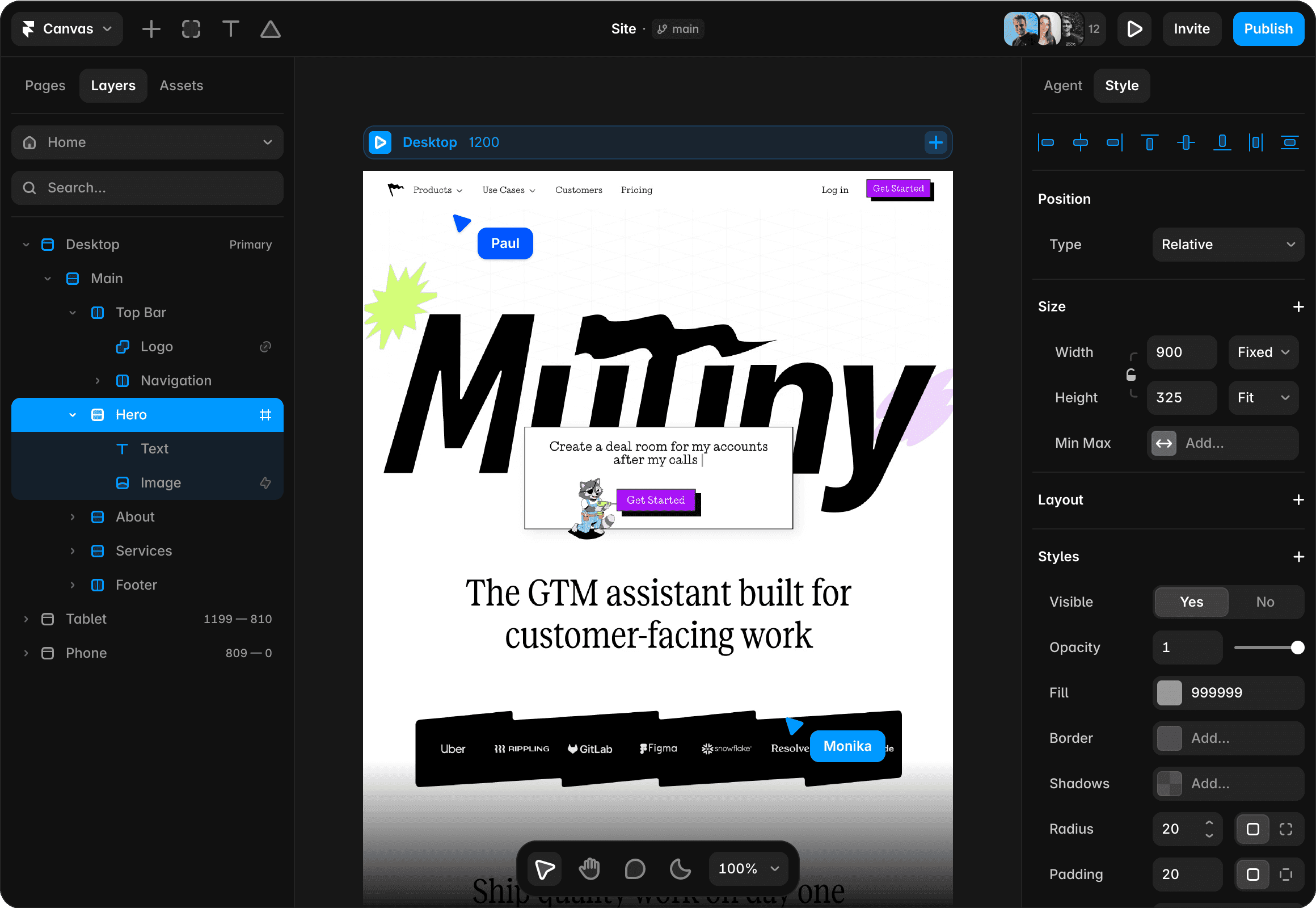
Framer
Investigate for a visual website with separate pages and structured content.
Free plan; Basic $10/month displayed on yearly billing ($120/year)
Annual payment exceeds a strict $50 monthly cash cap. Add-ons and editor seats can add cost.
Ordinary provider link. No affiliate partnership claimed. Link disclosure
Sources & verification
Product details and prices can change. Check the linked provider before buying.
- Carrd: setting up a Contact form Accessed 2026-09-14
Sources link directly to providers. Product buttons may use separately labeled affiliate links. Read our disclosure.