
Decide whether the client needs ownership or editing access
A client who only needs to update text has a different requirement from a client who will own and maintain the site after the project ends. Write down that distinction before choosing an action. Your handoff should identify who controls the site, who pays for it, and who answers when something stops working.
Carrd documents sharing and transferring as separate operations. Its sharing guide allows Admin and Editor access for users on the free Basic plan while the owner provides the relevant paid features. A transfer changes ownership and requires the receiving account to support the site.
This is a documentation-based checklist checked September 13, 2026. We have not transferred a live client site or tested post-transfer integrations. The worksheet identifies checks to perform; it is not evidence those checks already passed.
Run the receiving-account preflight
Carrd documents Pro Lite or higher for initiating a transfer. The receiving user needs an active account, access to the features used by the site, and an available site slot. The recipient must accept the request to complete it. If you mean to give away a copy, Carrd instructs you to clone before transferring.
Inventory actual elements rather than looking only at the published page. A simple-looking site can still contain a form or other feature with a plan requirement. Compare each used feature with current documentation and have the recipient check their own account. Do not ask for their password.
| Check | Evidence to record | If unresolved |
|---|---|---|
| Ownership or editing access | Written scope and intended owner | Choose the access model first |
| Receiving account | Recipient confirms active account | Create or identify the correct account |
| Required features | Element list and documented plan requirements | Resolve feature mismatch |
| Available slot | Recipient confirms capacity | Make room or review allowance |
| Transfer completion | Recipient acceptance confirmation | Keep handoff open |
Give forms an explicit owner
Carrd contact forms can use the account email by default or specified recipients. Its current contact-form documentation requires Pro Standard or higher. Do not infer the intended destination from the visible contact text: inspect the form configuration and record who should receive the message.
Use a harmless test message agreed with the recipient. Record submission time, destination, whether delivery arrived, and whether replying reaches the intended sender. Avoid putting real customer messages in your handoff worksheet. A success message on the website alone does not prove inbox delivery.
If a site uses an external form, booking service, or payment link, list it separately. The transfer documentation cited here does not establish that ownership, credentials, billing, or delivery settings for those services transfer with the page.
Separate the site from domain and service responsibilities
Create one row for each dependency: Carrd ownership, domain management, DNS changes, contact inbox, booking destination, and any externally managed assets. Record the responsible person and a verification step. This is a responsibility inventory, not an instruction to transfer the domain or change DNS unnecessarily.
For example, if the client already owns the domain, the relevant question may be who maintains its website records after handoff. If an agency owns a booking account linked from the page, the client needs an agreed destination and access plan. Do not mark an account as handed over merely because a link still opens.
Sign off one visitor journey after acceptance
- Have the new owner open the site from their own account and confirm the agreed editing access.
- Open the public page on a phone and desktop. Check the headline, navigation, primary action, and any download or external destination used in the project scope.
- Complete the agreed form or booking test and record the outcome. Where an external transaction would cost money, use the service’s authorized test path or agree the test separately.
- Record any known limitation, its owner, and the next action. A pending item stays pending; do not convert a deadline into a pass.
- Agree whether the original builder keeps any access and for how long. Review access deliberately after acceptance instead of assuming it disappears automatically.
Close the project with a usable record
The downloadable worksheet includes an ownership decision, feature inventory, dependency owners, and acceptance log. Keep it with the project’s existing records. Store passwords and recovery codes through your established credential process, not in this worksheet.
A good handoff lets the client answer three questions without contacting the builder: what do I own, what needs renewing, and what do I do when the main visitor action fails? That is more useful than a screenshot saying the transfer request was sent.
Compare your options
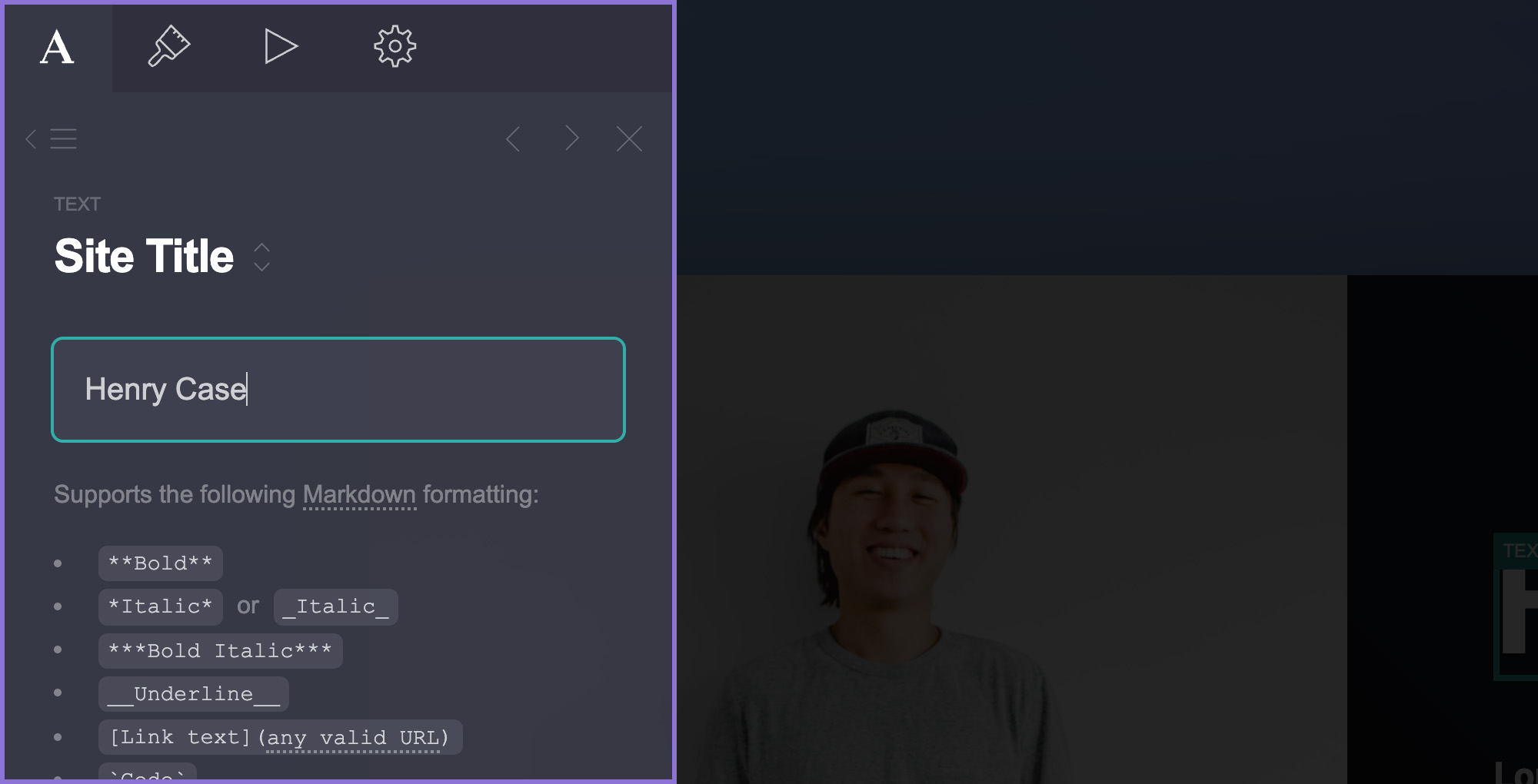
Carrd
Investigate for a focused landing page, portfolio, or service introduction.
Free start; Pro Standard $19/year
Pro Lite lacks custom domains and forms. Registration and external services may cost extra.
Affiliate link: we may earn a commission on an eligible purchase. Link disclosure
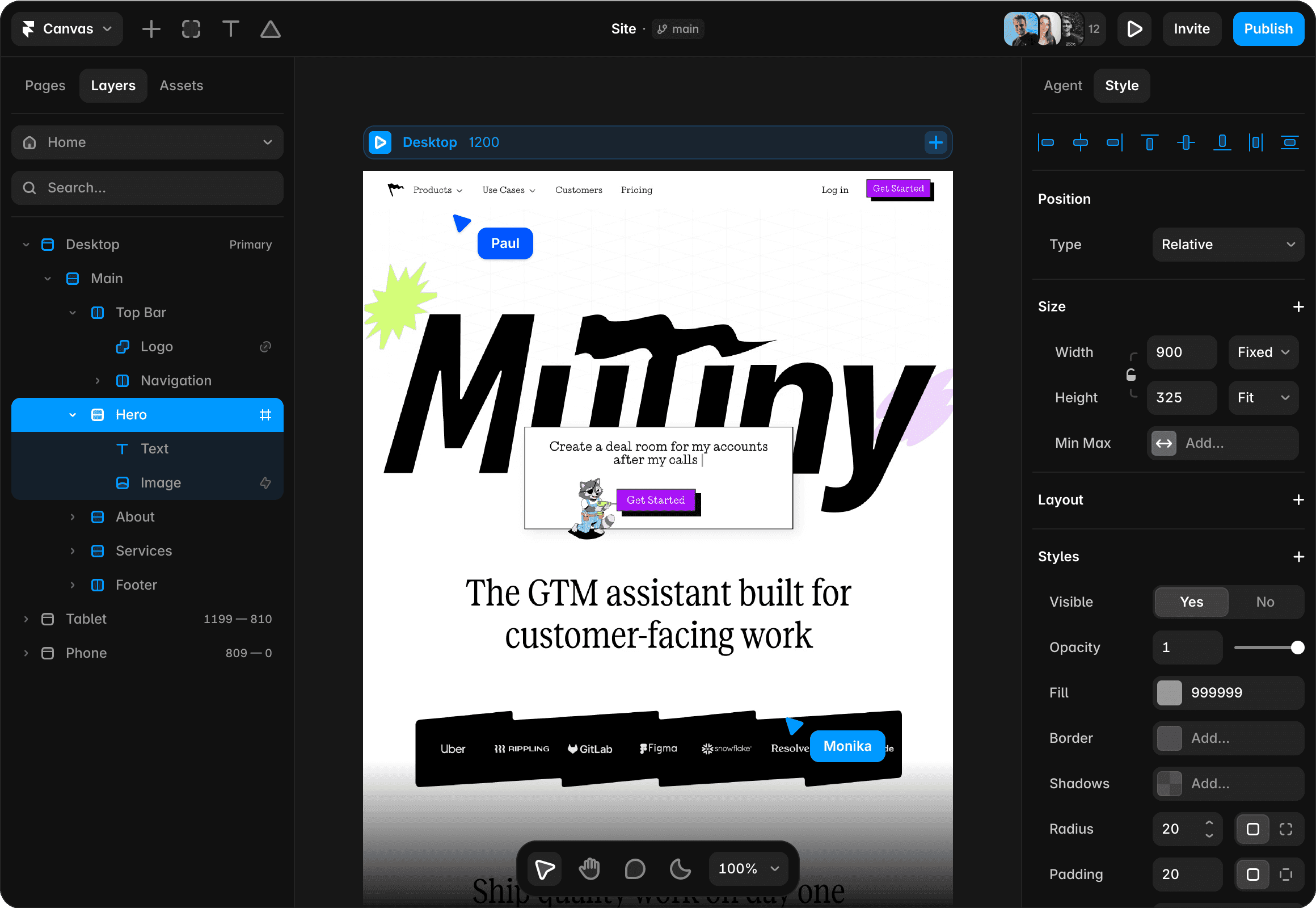
Framer
Investigate for a visual website with separate pages and structured content.
Free plan; Basic $10/month displayed on yearly billing ($120/year)
Annual payment exceeds a strict $50 monthly cash cap. Add-ons and editor seats can add cost.
Ordinary provider link. No affiliate partnership claimed. Link disclosure
Questions before you decide
Can a client edit my Carrd site without buying the same plan?
Carrd documents Admin and Editor sharing with Basic-plan users, with editing features provided by the owner’s plan. That is shared access, not a transfer of ownership. Confirm the access level matches the agreement.
Is a Carrd transfer finished when I send the request?
No. Carrd requires the recipient to accept it. After acceptance, perform the agreed visitor and dependency checks; acceptance alone does not test form delivery or external accounts.
Sources & verification
Product details and prices can change. Check the linked provider before buying.
- Carrd: transferring a site Accessed 2026-09-13
- Carrd: sharing access Accessed 2026-09-13
- Carrd: setting up a contact form Accessed 2026-09-13
Sources link directly to providers. Product buttons may use separately labeled affiliate links. Read our disclosure.