
Check two dependencies that can break the whole move
Before any nameserver switch, coordinate DNSSEC and the registrar's DS record with the old and new DNS providers. A stale DS record can cause validating resolvers to reject the entire zone. Follow the providers' documented migration sequence, including cache timing and verification; do not blindly copy the old DS value. A website-record-only change at your existing DNS host usually avoids this separate authority-migration task.
Also inspect the actual MX target. If mail for example.com is delivered to example.com itself, changing the root A or AAAA record changes the mail destination even if the MX row stays untouched. Resolve that dependency with the mail provider before repointing the root. The inventory below must describe what each record points to, not merely whether its text changed.
Separate a website move from a nameserver move
Connecting a domain to a website builder does not necessarily require transferring its registration or replacing its authoritative nameservers. Those are separate operations with different failure modes. For a small website move, our default is to retain the current DNS host and edit the records requested in the builder's domain settings.
If you intentionally change nameservers, recreate the complete required zone at the new provider before switching authority. An automatic scan is an aid, not a complete inventory: unusual hostnames and verification records can be missed. Keep access to the old DNS account and the original zone export. Do not cancel a bundled hosting account until you know whether it also supplies mailboxes, DNS, or forwarding.
Make a record-by-record inventory
Record name, type, content, TTL, priority where applicable, purpose, and owner. A domain root can have website address records and email records simultaneously. An MX record may also depend on an address record at another hostname. Preserve that dependency rather than checking only that an MX row still exists.
| Record or service | Purpose | Default action for a website-only move |
|---|---|---|
| A / AAAA at website hostname | IPv4 / IPv6 website destination | Change only as required by builder |
| CNAME at www | Website alias | Use the exact builder target |
| MX | Inbound mail destination | Preserve current mail provider values |
| TXT SPF and DKIM TXT/CNAME | Sending authorization and signatures | Preserve; verify with mail provider |
| TXT at _dmarc | Mail authentication policy | Preserve existing policy |
| mail or other MX target address | Address of an actual mail server | Preserve unless mail is moving too |
| Verification and service subdomains | Ownership and connected services | Identify owner before changing |
Copy targets from the current builder dashboard
Carrd's custom-domain instructions describe publishing to the chosen hostname and adding the A and CNAME records displayed for that site. Carrd also documents how the bare and www versions relate. Framer likewise instructs you to enter the domain in site settings and update the DNS records it supplies. Use the values for your own site, not an IP address copied from an old tutorial.
Check both A and AAAA records for the website hostname. A leftover IPv6 destination can leave some visitors reaching the old host while IPv4 visitors see the new site. Resolve conflicts using the builder's current instructions. Do not delete every TXT record to make a domain verification indicator turn green. If the requested record conflicts with an existing service at the same hostname, identify that service before proceeding.
Rehearse a small change with an explicit rollback
Hypothetical example: a consultant hosts the website elsewhere, uses a separate mailbox provider, and wants the new site at www.example.com. The worksheet contains the existing www target, root address records, and untouched mail records. The change owner replaces only the builder-required website records, records the time, and keeps the previous site available.
If you lower a TTL ahead of the move, allow the previous TTL to expire before expecting the shorter cache lifetime to help. Restoring a DNS record is not instantaneous for every resolver. Define rollback triggers in advance: persistent certificate failure, a missing critical page, or a broken lead form after the expected setup window. Restore only the changed records, then recheck; repeated nameserver switches make diagnosis harder.
Verify services independently
- Open the bare domain and www in a fresh browser session; confirm the intended destination, HTTPS certificate, and redirect behavior.
- Open a real inner-page URL and test navigation, downloads, and any genuine contact action.
- Send a message from an independent mailbox to the domain mailbox and confirm receipt.
- Reply from the domain mailbox and inspect delivery plus the receiving service's authentication results where available.
- Check any separate newsletter sender using its own verification workflow; a working personal mailbox does not verify a marketing sender.
- Retain timestamps and results. One successful delivery is a smoke test, not proof of universal deliverability.
Close the move with a service ownership record
Write down which company now handles registration, DNS, website hosting, mailbox hosting, and newsletter sending. Include renewal responsibility and a reference to the account owner without copying passwords or recovery codes. This prevents the next person from cancelling the wrong subscription because everything appears to use the same domain.
Use the downloadable inventory before making changes and complete its observed-result and rollback columns afterward. If email fails while the website works, compare mail records and their dependencies against the saved zone first. If both fail after a nameserver change, verify authoritative DNS and zone completeness before editing individual services at random.
Compare your options
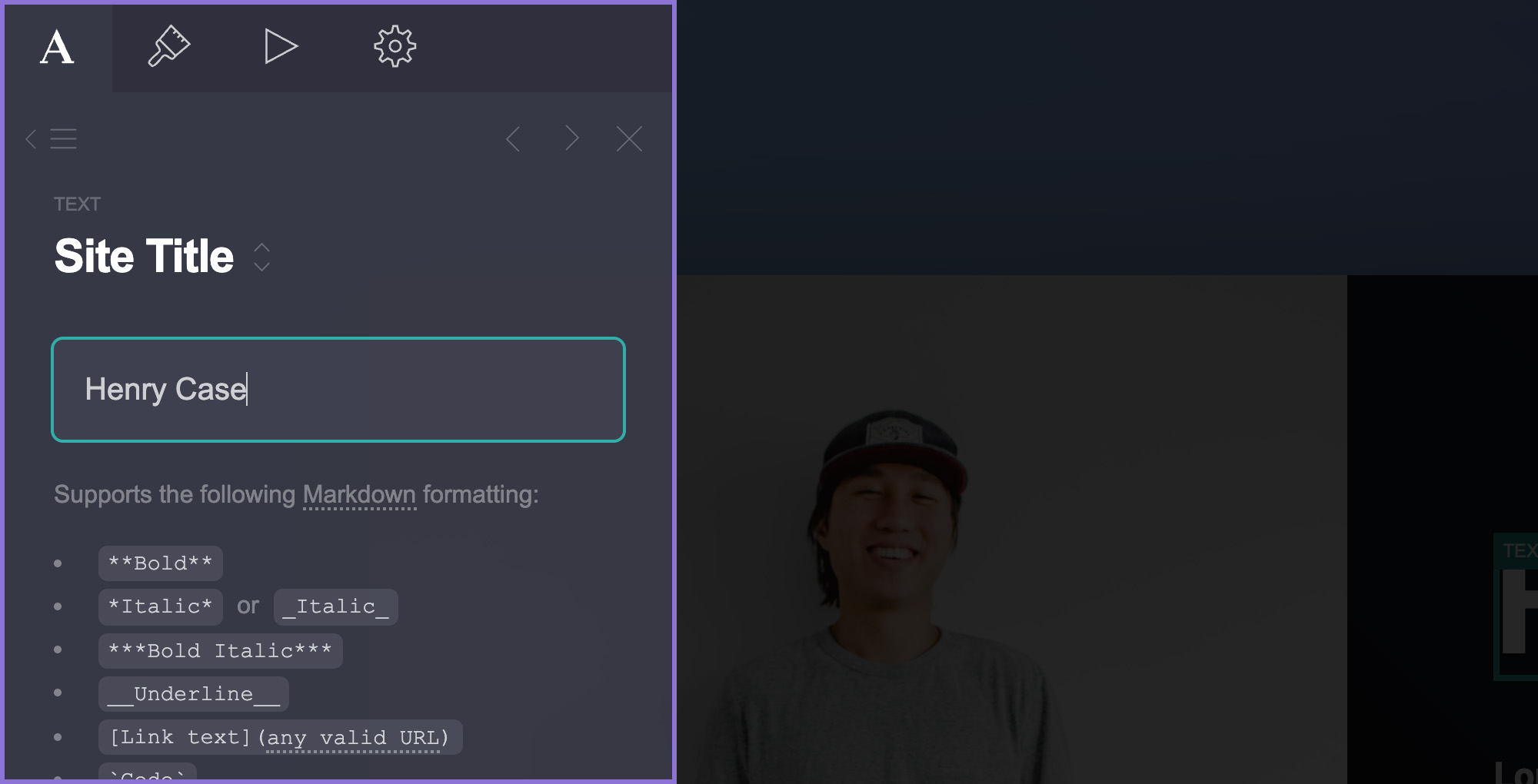
Carrd
Investigate for a focused landing page, portfolio, or service introduction.
Free start; Pro Standard $19/year
Pro Lite lacks custom domains and forms. Registration and external services may cost extra.
Affiliate link: we may earn a commission on an eligible purchase. Link disclosure
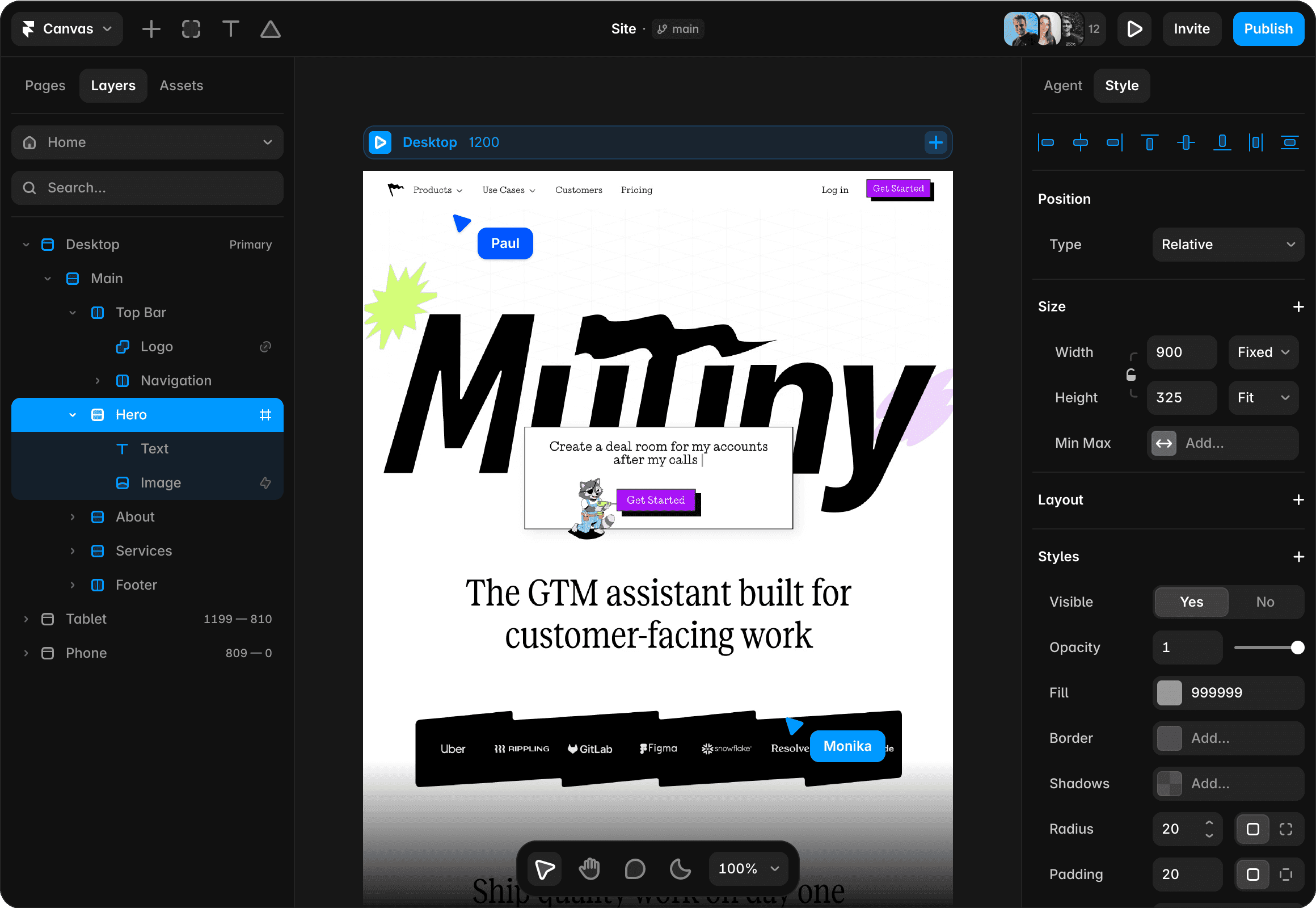
Framer
Investigate for a visual website with separate pages and structured content.
Free plan; Basic $10/month displayed on yearly billing ($120/year)
Annual payment exceeds a strict $50 monthly cash cap. Add-ons and editor seats can add cost.
Ordinary provider link. No affiliate partnership claimed. Link disclosure
Sources & verification
Product details and prices can change. Check the linked provider before buying.
- Carrd: using a custom domain Accessed 2026-09-13
- Framer: connect a custom domain Accessed 2026-09-13
- Cloudflare: set up email DNS records Accessed 2026-09-13
- Cloudflare: DNSSEC validation and migration keys Accessed 2026-09-13
Sources link directly to providers. Product buttons may use separately labeled affiliate links. Read our disclosure.